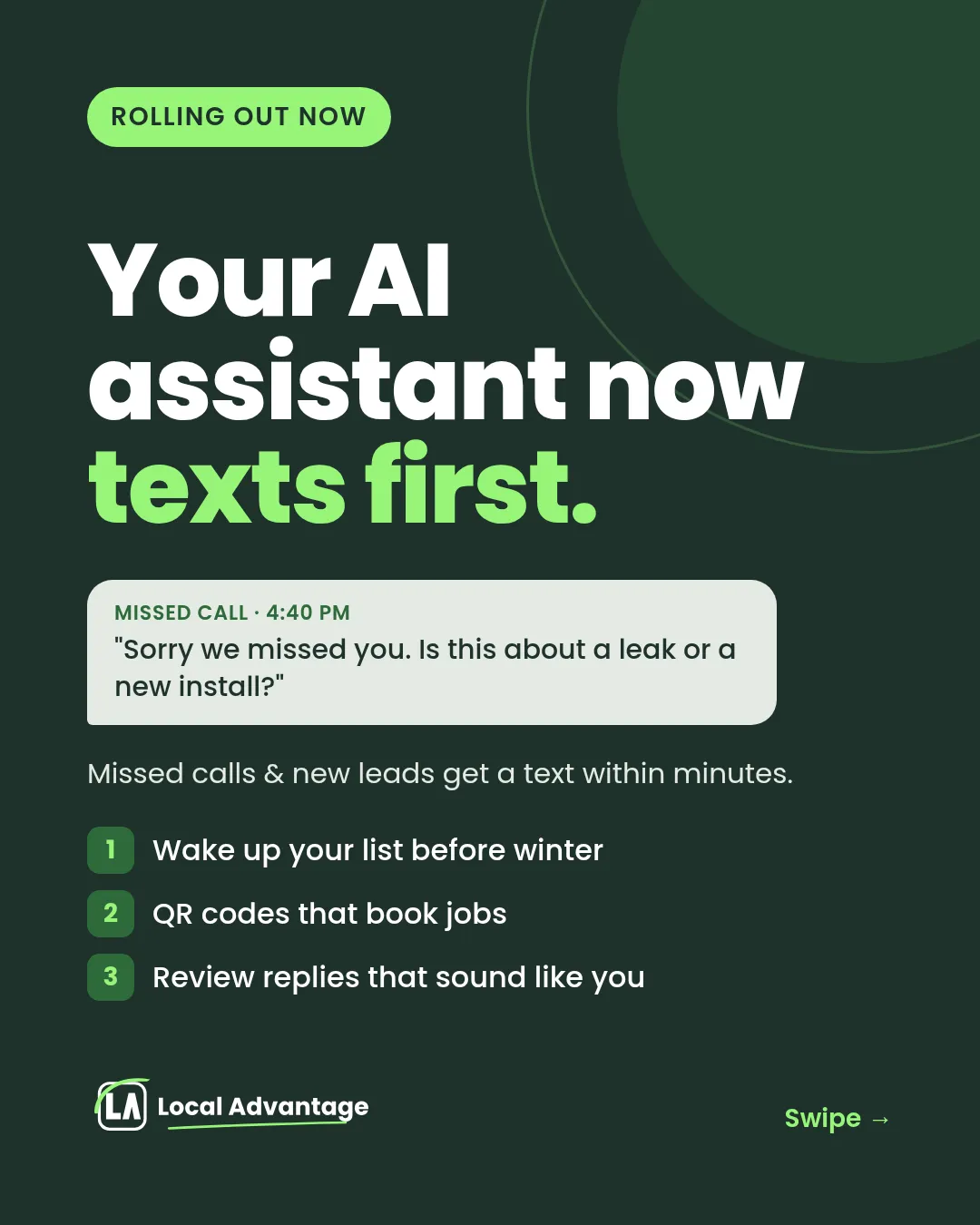
Your AI Assistant Now Texts First: 3 Updates for Home-Service Businesses
The homeowner with a leaking water heater doesn't call one plumber. They call three. The first one to text back usually gets the job.
Good lead follow-up for home service businesses comes down to speed and to not letting anyone slip. This week we're rolling out three updates to the Local Advantage system: an AI assistant that texts first, QR codes that book jobs, and review replies that sound like you. Here's what each one does, a real-job example, and what you need to do (not much).
1. Your AI assistant now texts first
What it does
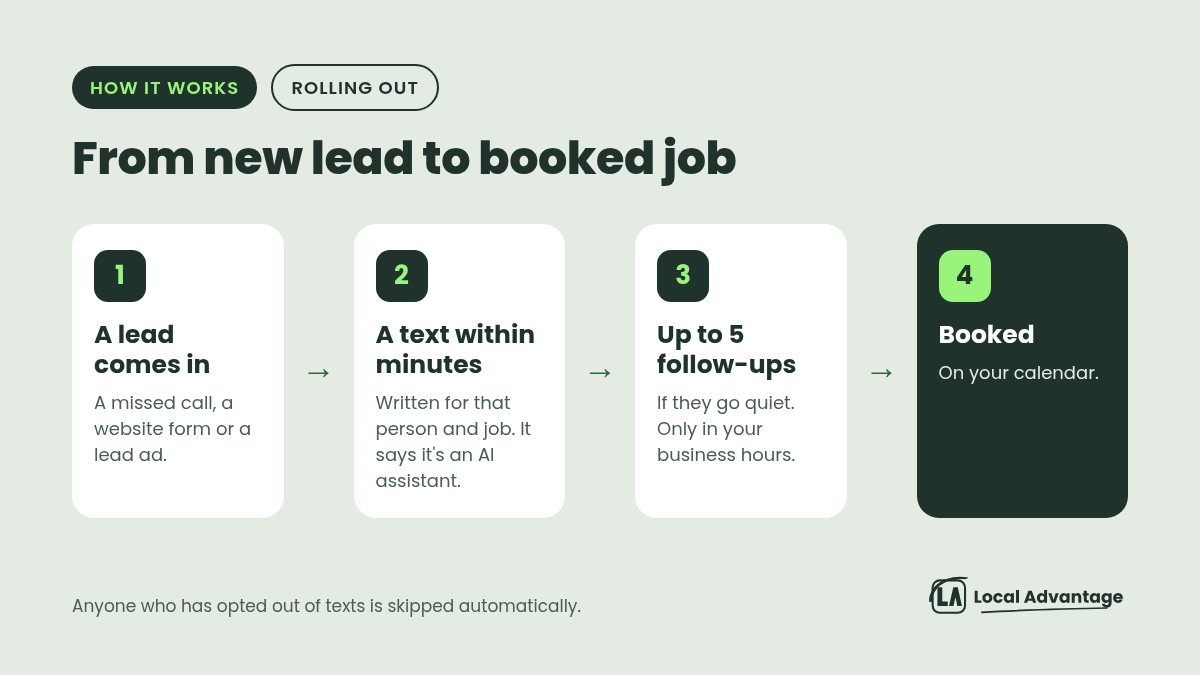
Until now, your assistant waited for people to reach out. Now it starts the conversation by text when something happens:
A missed call. You're under a sink, the phone rings, you can't pick up. The caller gets a text within minutes.
A new lead. Website forms and lead ads, including Facebook, Google and now TikTok lead ads.
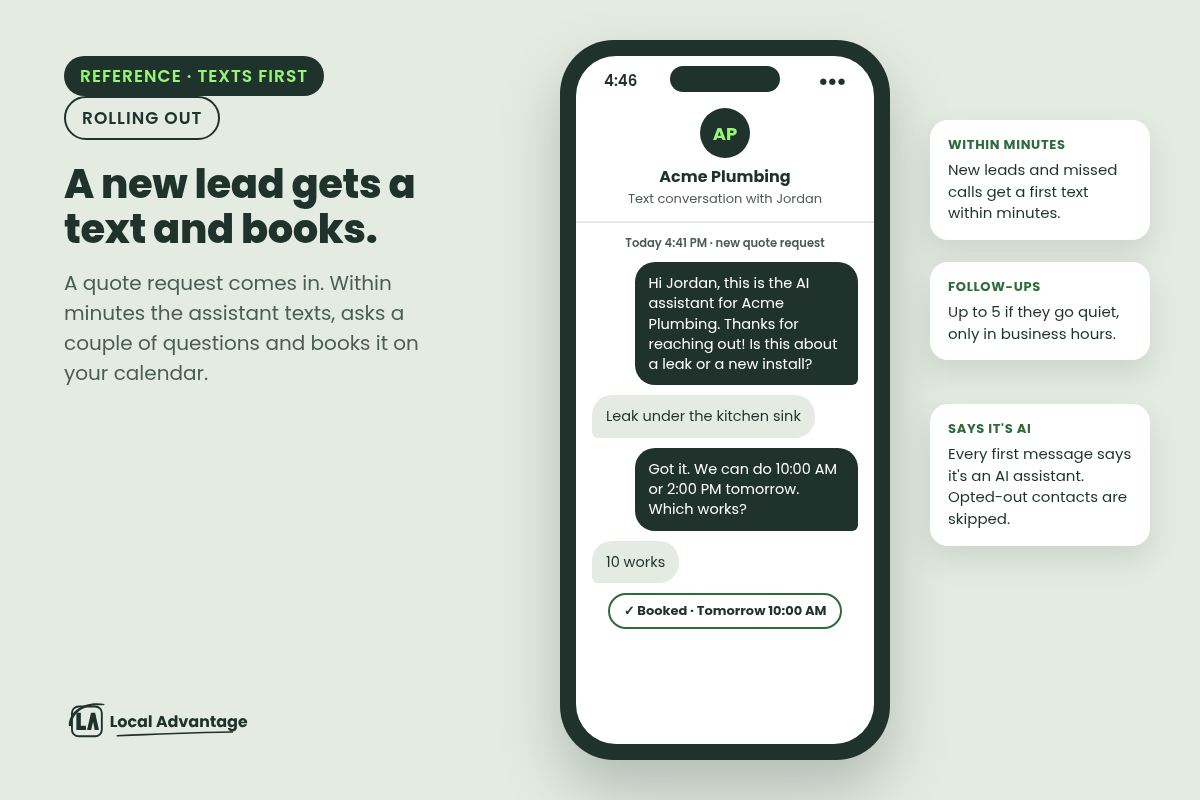
The first text is written for that person and that job, not a copy-paste. The assistant asks a couple of questions and books the job on your calendar.
If they go quiet, it follows up, up to 5 times.
Follow-ups stay in business hours. A lead that comes in at 2 AM gets texted when you open, not while they're asleep.
Every first message says it's an AI assistant. Anyone who has opted out of texts is skipped automatically.
Example
Plumber: You miss a call at 4:40 PM. Within minutes the caller gets: "Sorry we missed you. Is this about a leak or a new install?" They answer, pick a slot, and it lands on your calendar before you're off the job.
Landscaper: A "fall cleanup quote" lead form comes in from a Facebook ad on Sunday night. Monday at opening, the assistant texts, asks about lot size, and books the estimate. If they don't answer, it follows up later in business hours instead of letting the lead go cold.
Second angle: wake up your old customer list before winter
You have a list of people you've already done work for, and quotes that never closed. Most shops never follow up on either.
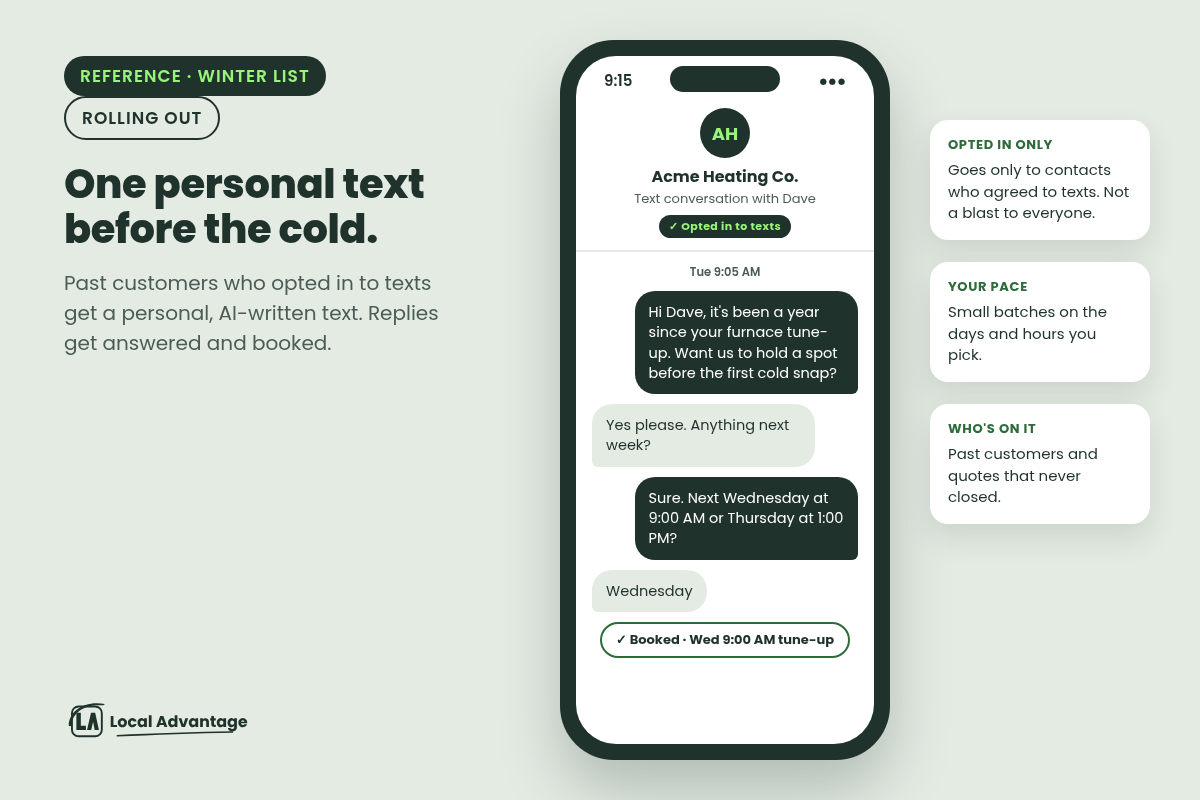
The assistant can now send a personal, AI-written text to the people on that list who opted in to texts, and then handle the replies and book them.
Past customers: "Hi Dave, it's been a year since your furnace tune-up. Want us to hold a spot before the first cold snap?"
Lost quotes: A landscaper's spring quotes that never closed get a fall cleanup or aeration offer.
Small crews: Texts can go out in small batches on the days and hours you pick, so the office isn't swamped with replies.
This only goes to contacts who agreed to texts. It's not a blast to everyone in your phone.
How to use it
Reply and tell us you want it on. We're rolling this out for home-service shops now.
Tell us your business hours and what a good booking looks like (estimate, service call, tune-up).
For the winter list: tell us which customers to include, such as "no service in 12 months" or "quotes from this spring". We'll only include people who opted in to texts.
2. Your printed stuff now books jobs
What it does
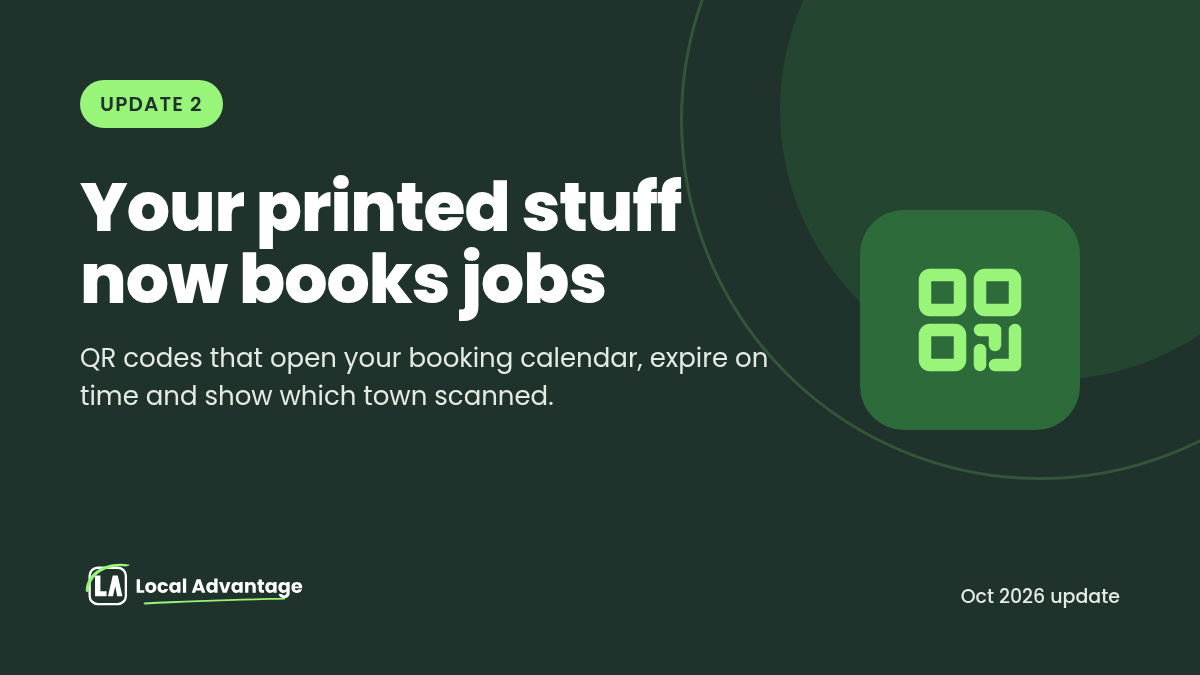
QR codes on your signs and trucks used to send people to your homepage. Now they can do a lot more:
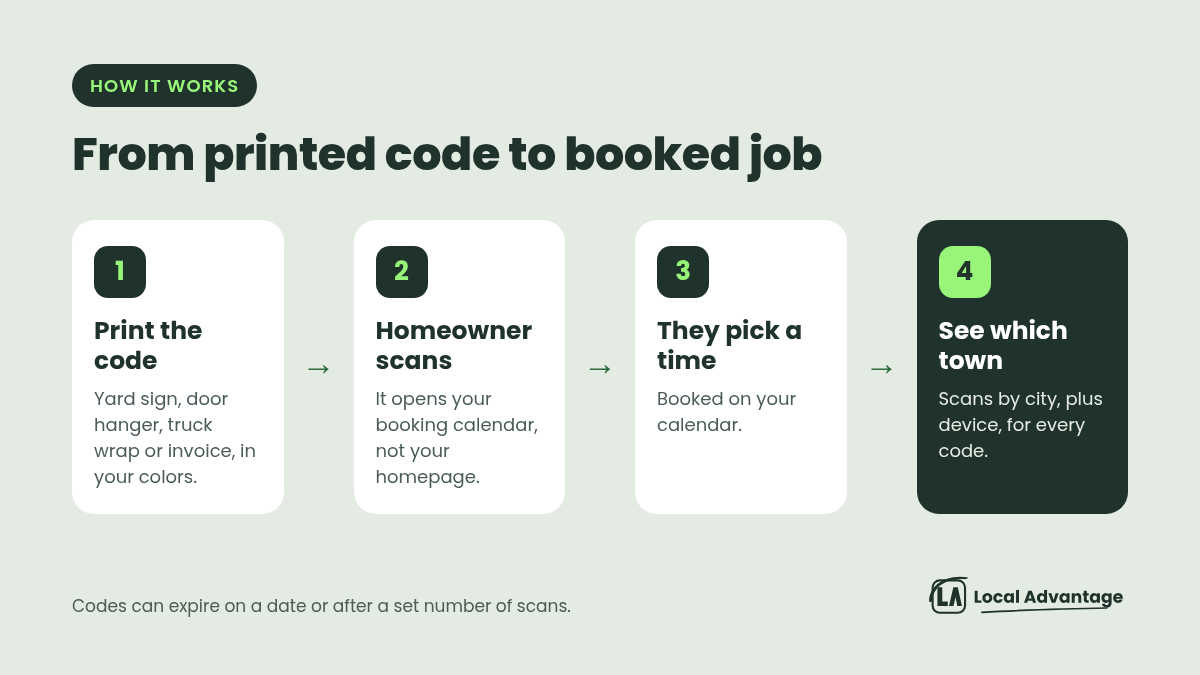
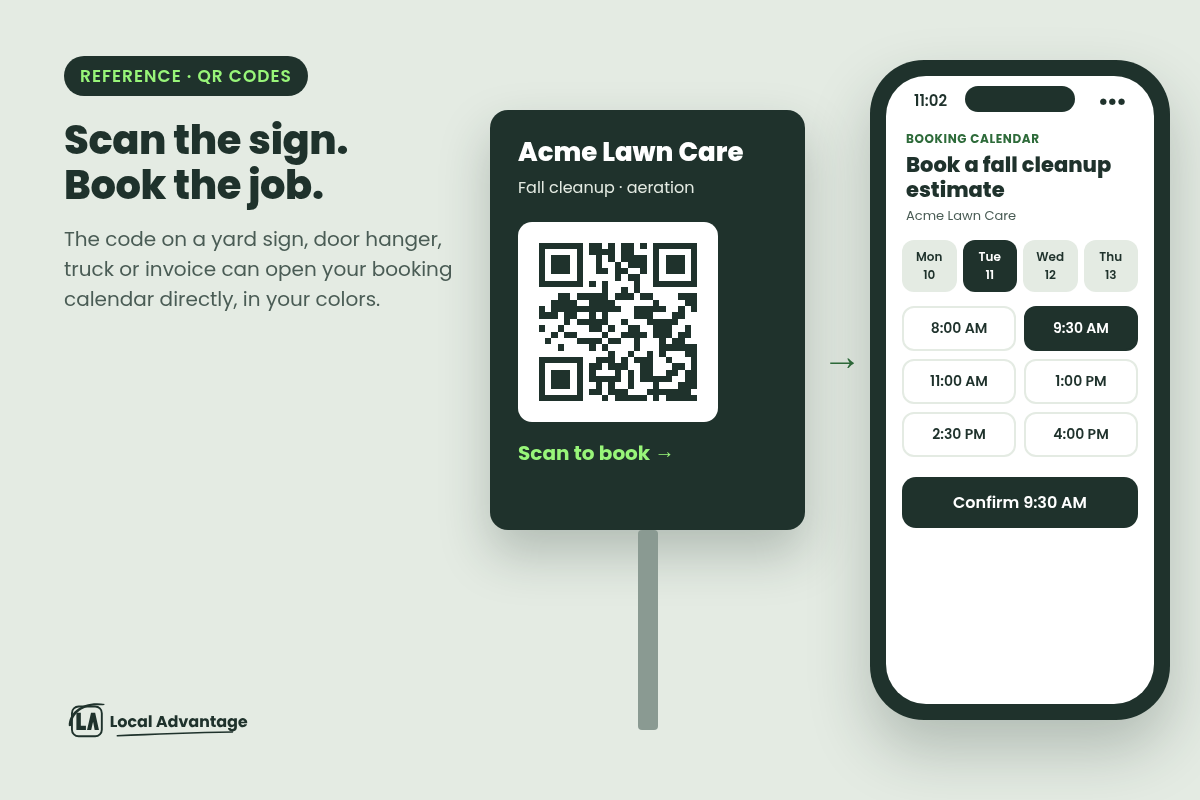
Open your booking calendar directly. Scan, pick a time, booked.
Expire on time. Set an end date or a scan limit, like one scan for a referral card. After that, scanners see a clear "expired" message.
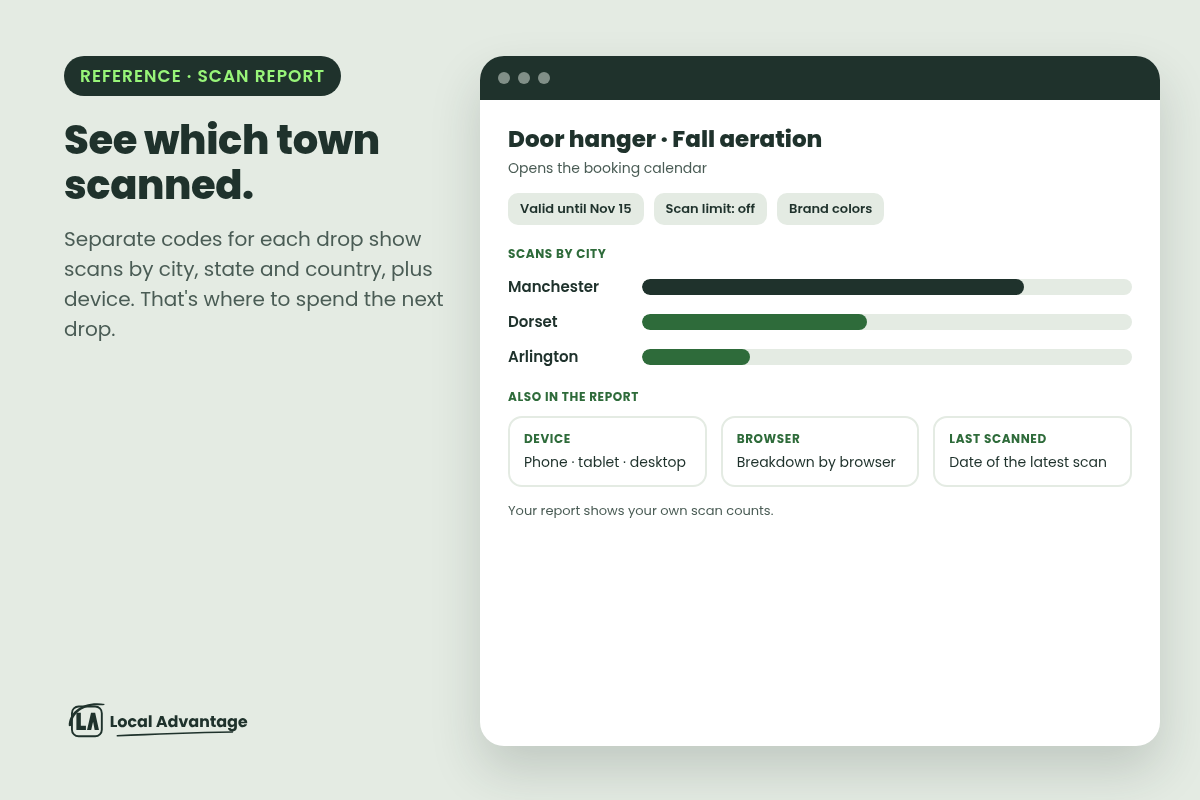
Show which town scanned. See scans by city, plus device, so you know where your signs and door hangers actually work.
Match your brand colors.
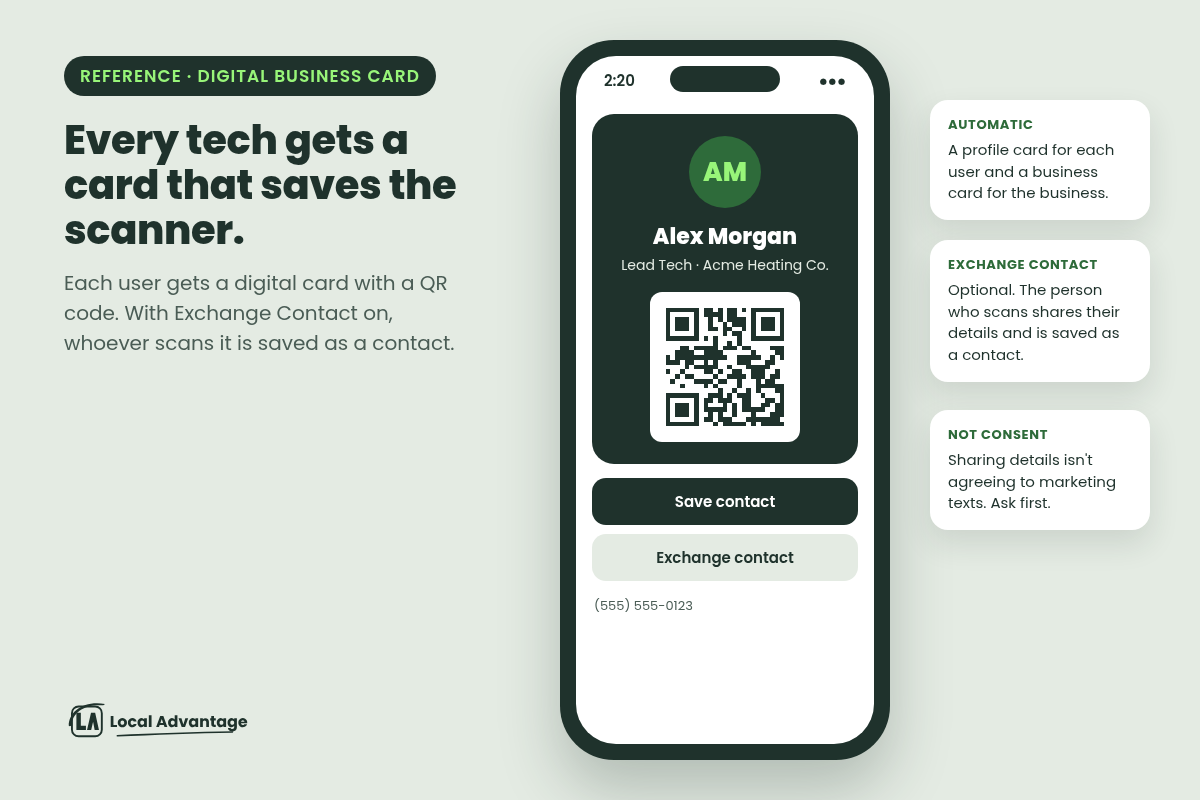
Digital business card for everyone on your team. Each person gets a digital business card with a QR code. A homeowner who scans it can share their details, and they're saved as a contact.
Codes for your website pages still keep working if a page address changes later.
Example
Yard signs: A landscaper's sign goes straight to the booking calendar instead of a web page.
Door hangers: Hangers in Manchester and in Dorset get separate codes, and the scan report shows which town responded. That tells you where to spend the next drop.
Seasonal offers: For example, a "$50 off fall aeration, valid until Nov 15" door hanger code stops working after the deadline. (Example offer only. Use your own.)
Truck wraps and invoices: An electrician's truck wrap and invoices link to "Book service."
Techs' cards: A homeowner scans the tech's card at the door and is saved as a contact. Sharing contact details isn't the same as agreeing to marketing texts, so ask before you add them to any text list.
How to use it
Tell us where your codes will go (signs, trucks, door hangers, invoices) and which calendar or page each one should open. We'll make the codes in your colors, ready for your printer.
3. A review assistant that sounds like you and knows when to stop
What it does
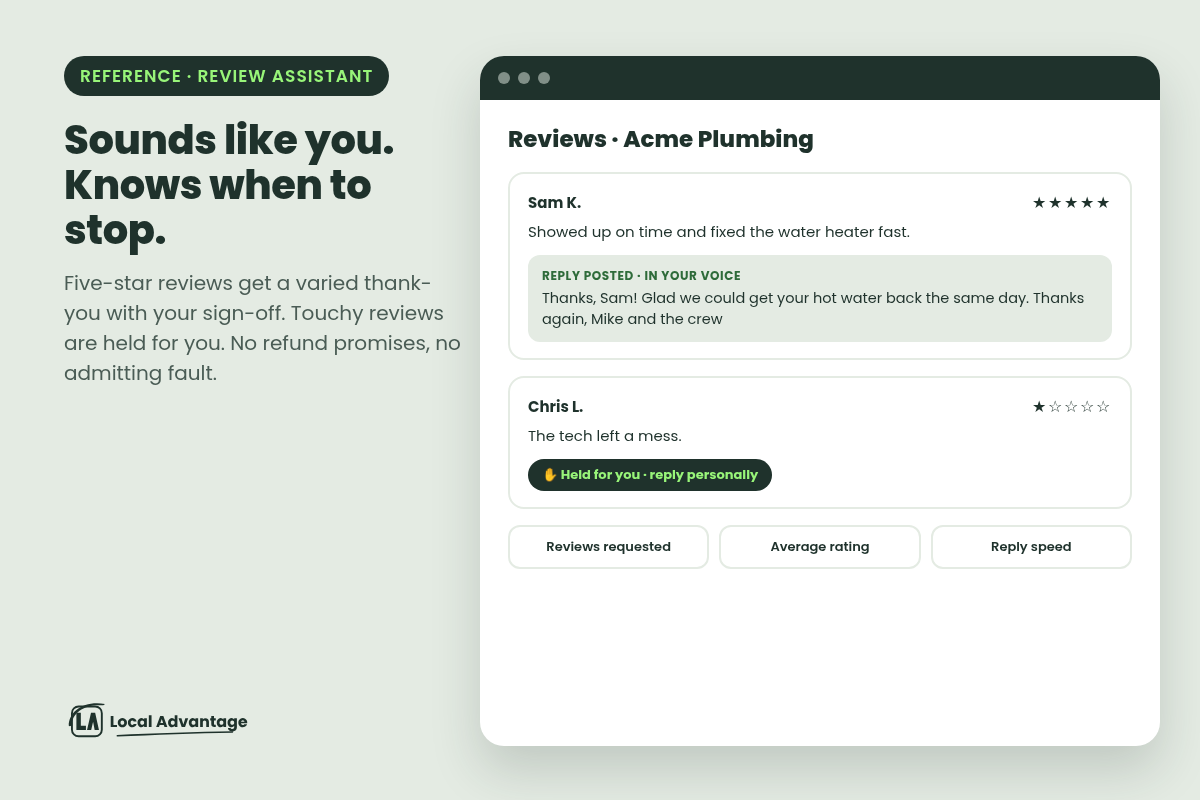
Automated review responses are only useful if they sound like you and don't get you in trouble. Your automatic review replies can now be set to your voice: "we" or "I", your business name, your sign-off, and kept short.
It won't repeat the same opening line on every review.
It won't promise refunds or guarantees, or admit fault.
Touchy reviews wait for you to answer personally.
New dashboard charts show reviews requested, your average rating and how fast you reply.
Example
Plumber: Five-star reviews get a warm, varied thank-you within minutes. Then a 1-star review comes in: "The tech left a mess." Instead of a canned reply that could read like an admission of liability, it's held for you. You call the customer, sort it out, and write the public reply yourself.
Electrician: At the end of the month, you glance at one chart instead of digging through your profile: how many review requests went out, your average rating, and how fast you're replying.
How to use it
Pick your tone and sign-off ("Thanks again, Mike and the crew").
Tell us which reviews you want to handle personally, for example anything 3 stars or under, or anything that mentions damage or billing.
Quick hits
TikTok leads: Leads from your TikTok ads land in the same inbox and get the same quick text.
Social post alerts: If a scheduled post ever fails, you get an alert the same day instead of finding out a week later.
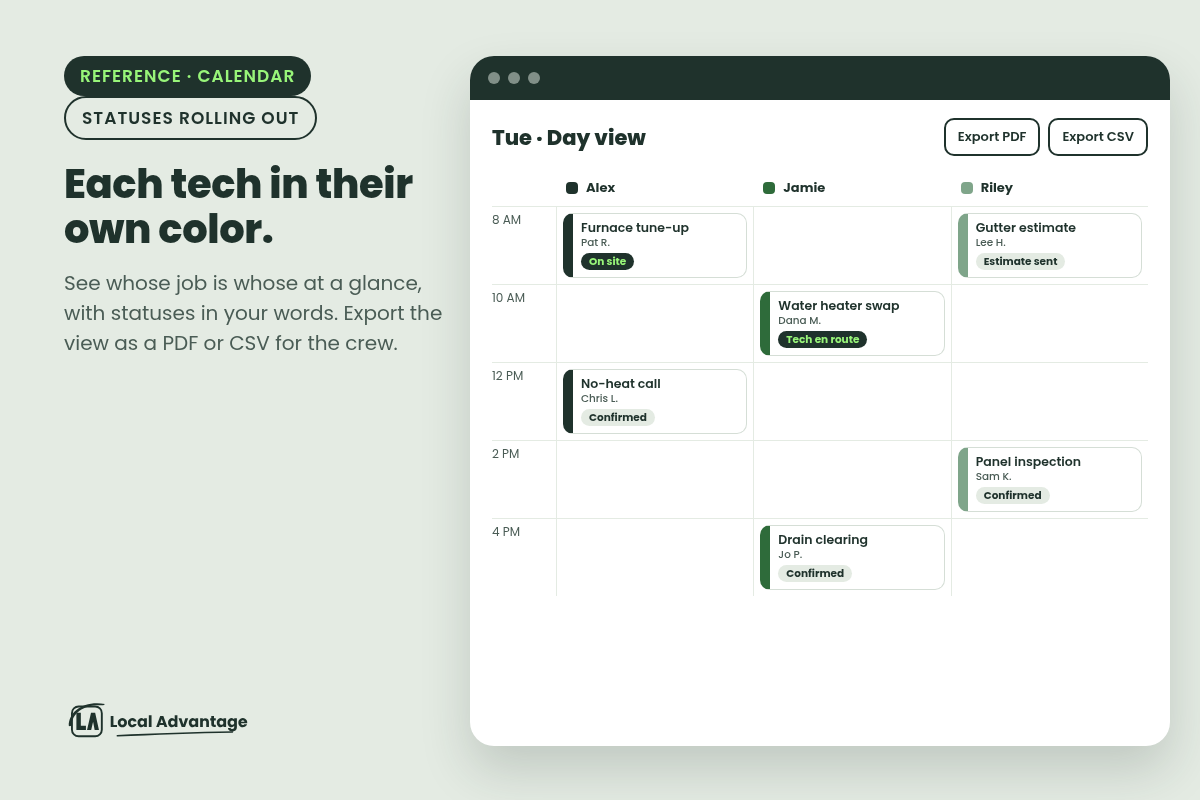
Appointment statuses in your words: We're rolling out custom appointment statuses, so a job can show "Tech en route", "On site" or "Estimate sent" instead of a short fixed list, and your office can see where every appointment stands. A status change can also be set to send a message, like "Your tech is on the way", to customers who opted in to texts. Your current appointments and statuses carry over as they are.
Each tech gets their own color: The calendar can now show each staff member's appointments in their own color, so you can tell whose job is whose at a glance. The office can also export the calendar view you're looking at, with the same filters and dates, as a PDF or CSV. Handy for giving the crew tomorrow's schedule.
Phone bookings get the same form: When your office books a phone-in customer, they fill out the same intake form as online bookings, so techs show up knowing the system age, filter size or whatever else you ask for.
FAQ
Will the assistant text people who never asked to hear from me? No. It texts people who reached out to you, and the winter list only goes to customers who opted in to texts. Anyone who has opted out is skipped, and every first message says it's an AI assistant.
Will it text my customers in the middle of the night? No. Follow-ups stay in your business hours. A 2 AM lead gets its first text when you open.
Does this guarantee more booked jobs? No tool can promise that. What it does is make sure every missed call and new lead gets a quick, personal text and a follow-up, which is where most shops lose jobs today.
Is this live for everyone? We're rolling these out for home-service shops now. Reply and we'll tell you when yours is on.
Already a client? Reply to our email or message us, and we'll get you on the rollout.
